Store Products
Upload product images and manage product details
Images are stored locally in your browser. To make them permanent, place image files in
public/images/products/ and update the product data file.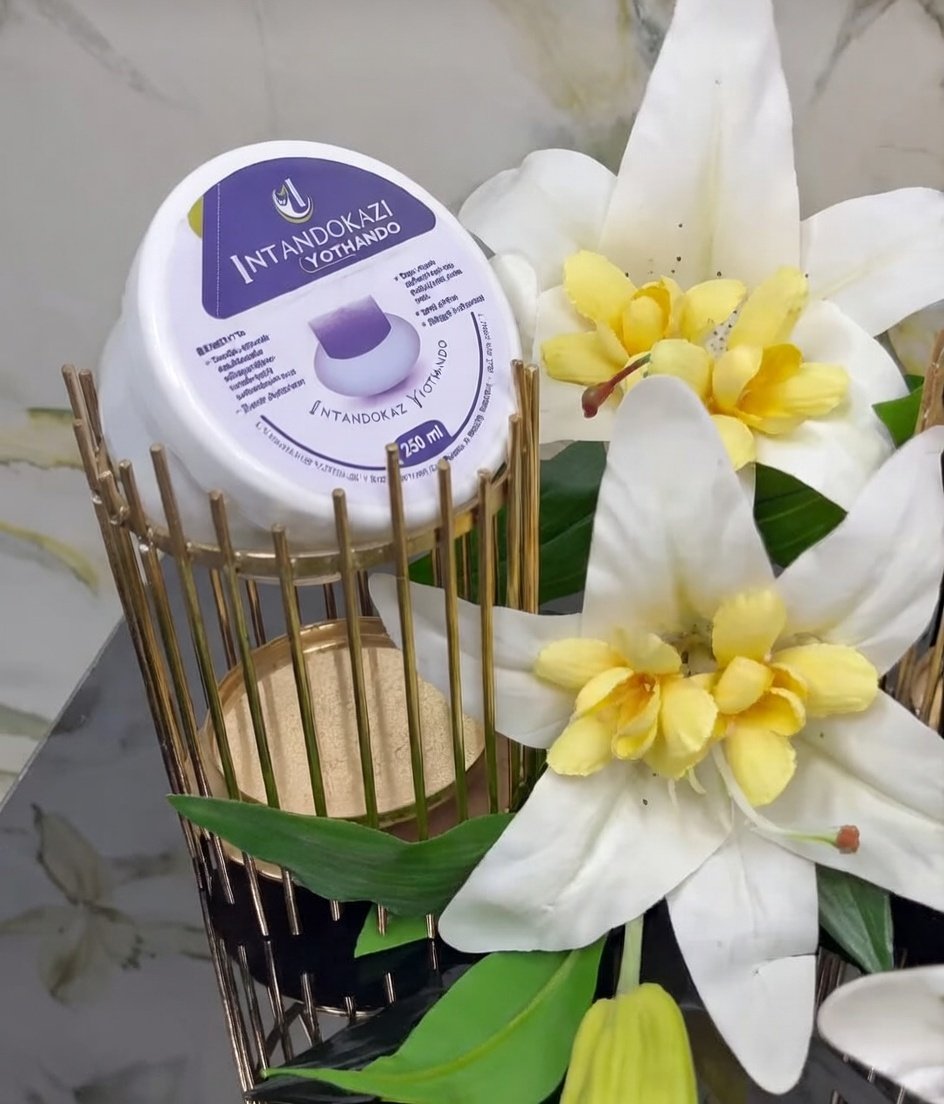
Image set
Skin & Body
Intandokazi Yothando
R220250ml tub
35 in stock
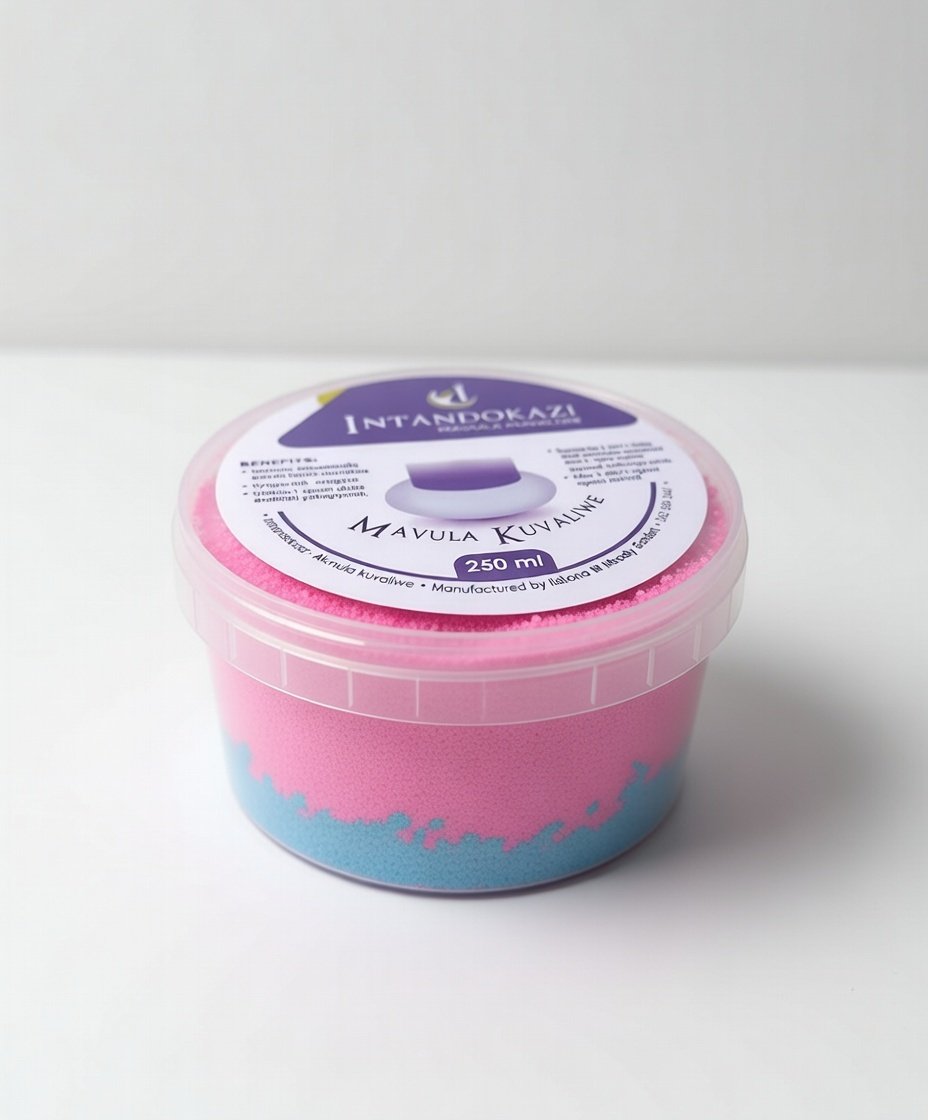
Image set
Skin & Body
Mavula Kuvaliwe Scrub
R195250ml tub
42 in stock
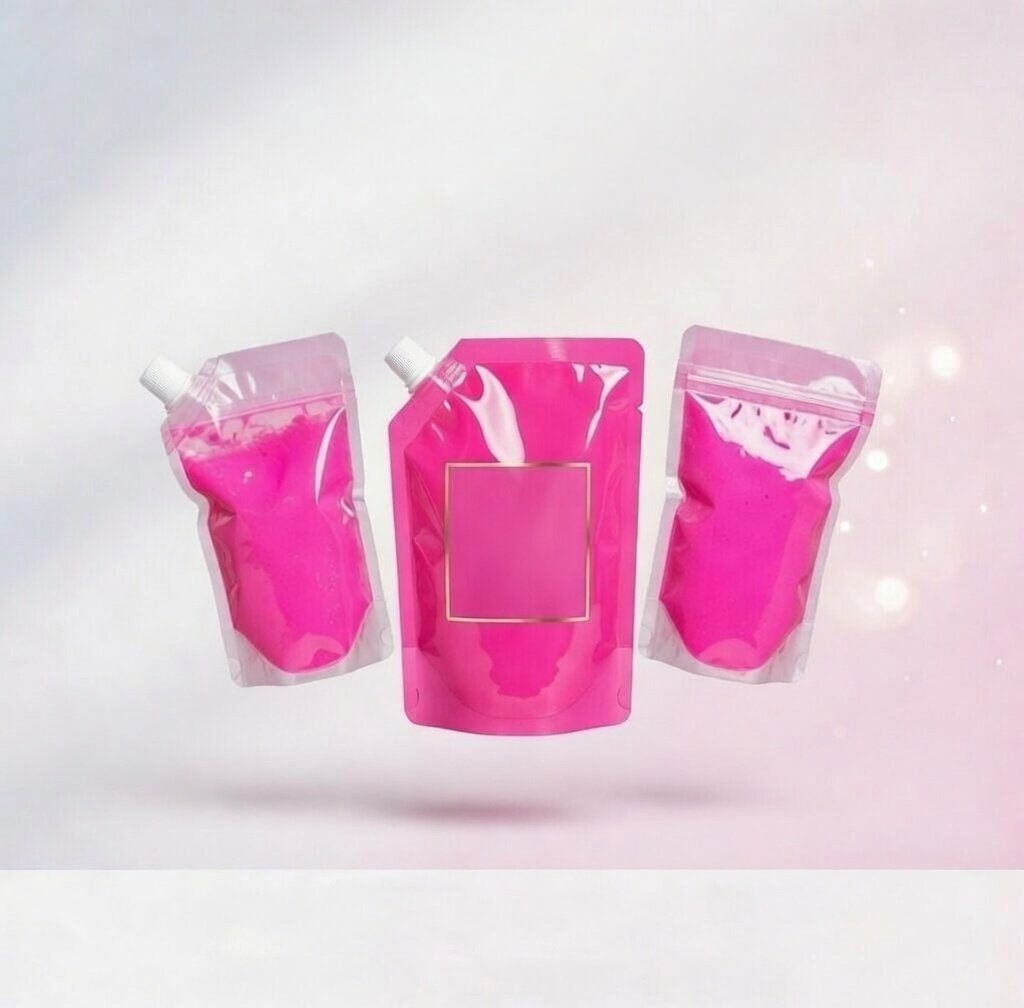
Image set
Skin & Body
Mavula Kuvaliwe Liquid
R175per pouch
60 in stock
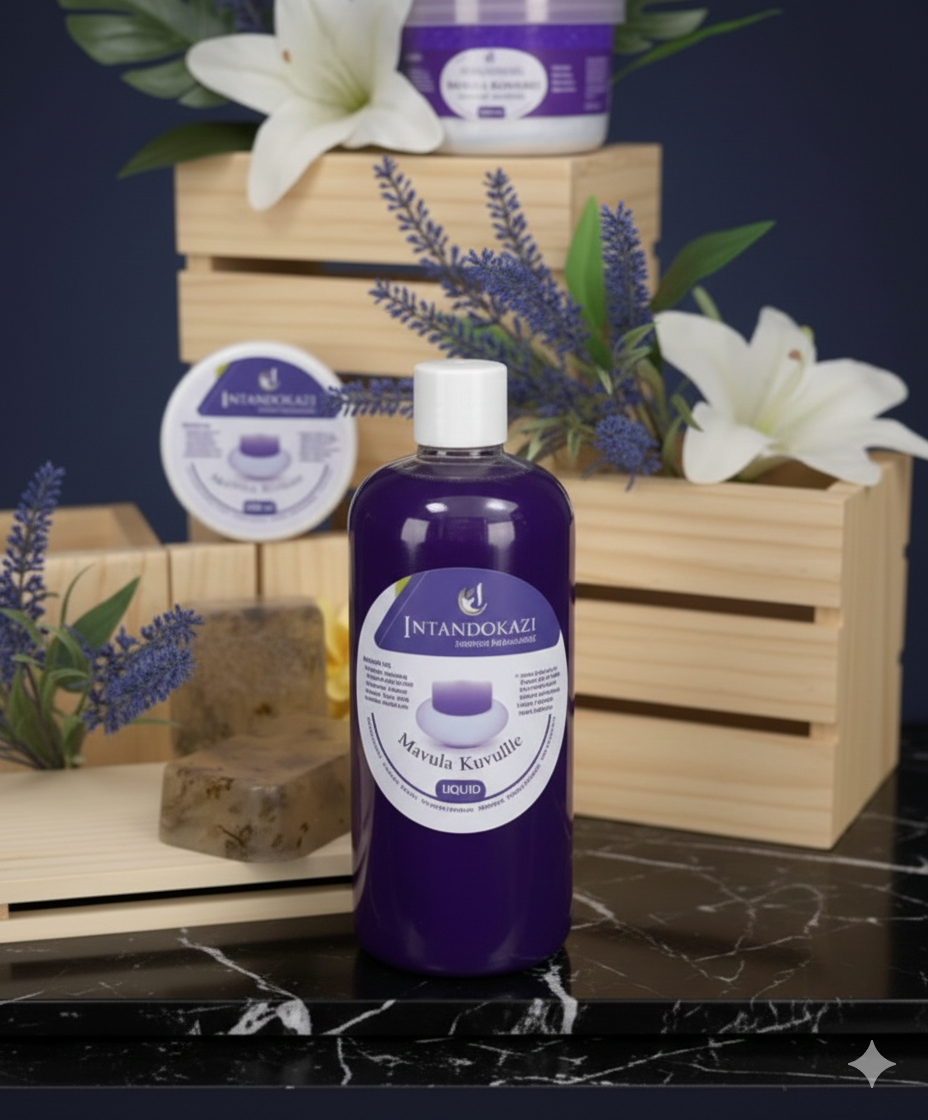
Image set
Wellness & Spiritual
Mavula Kuvulle Liquid
R210500ml bottle
28 in stock
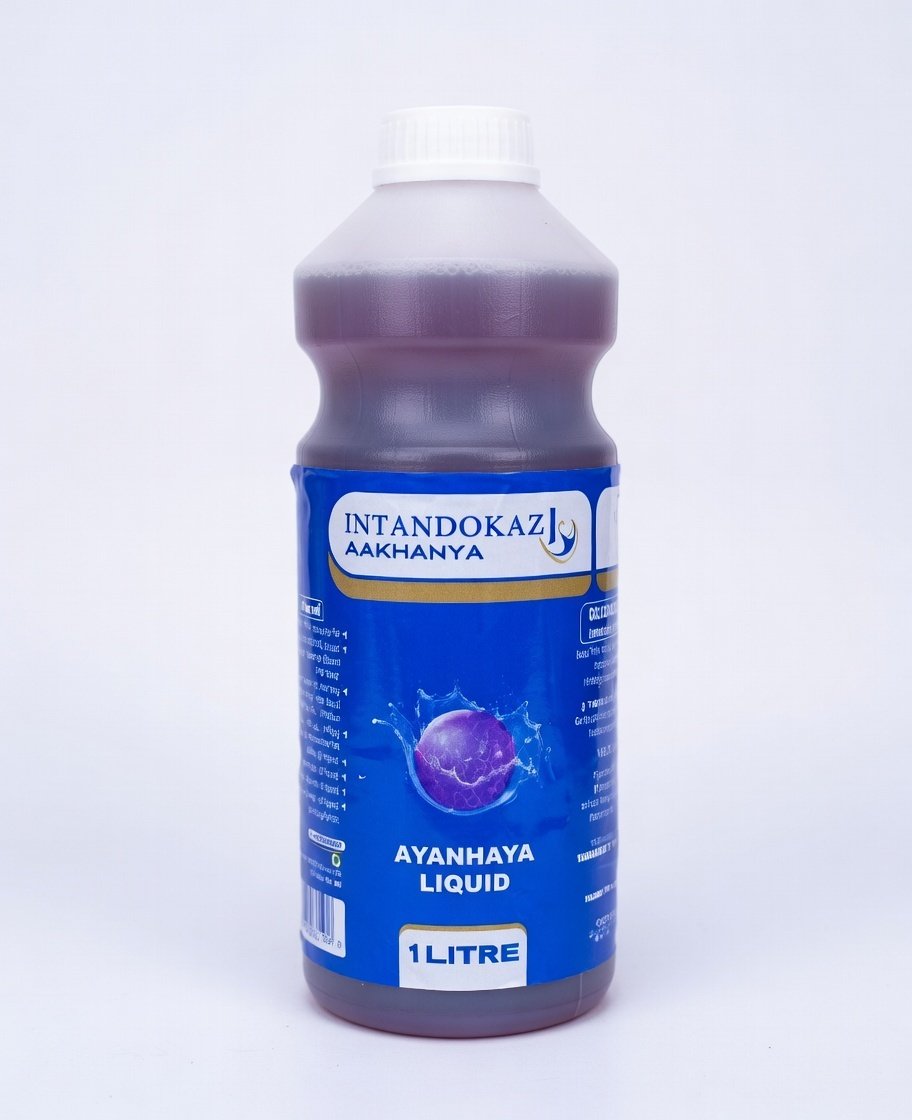
Image set
Internal Health
Intandokazi Aakhanya Liquid
R3201 litre bottle
20 in stock
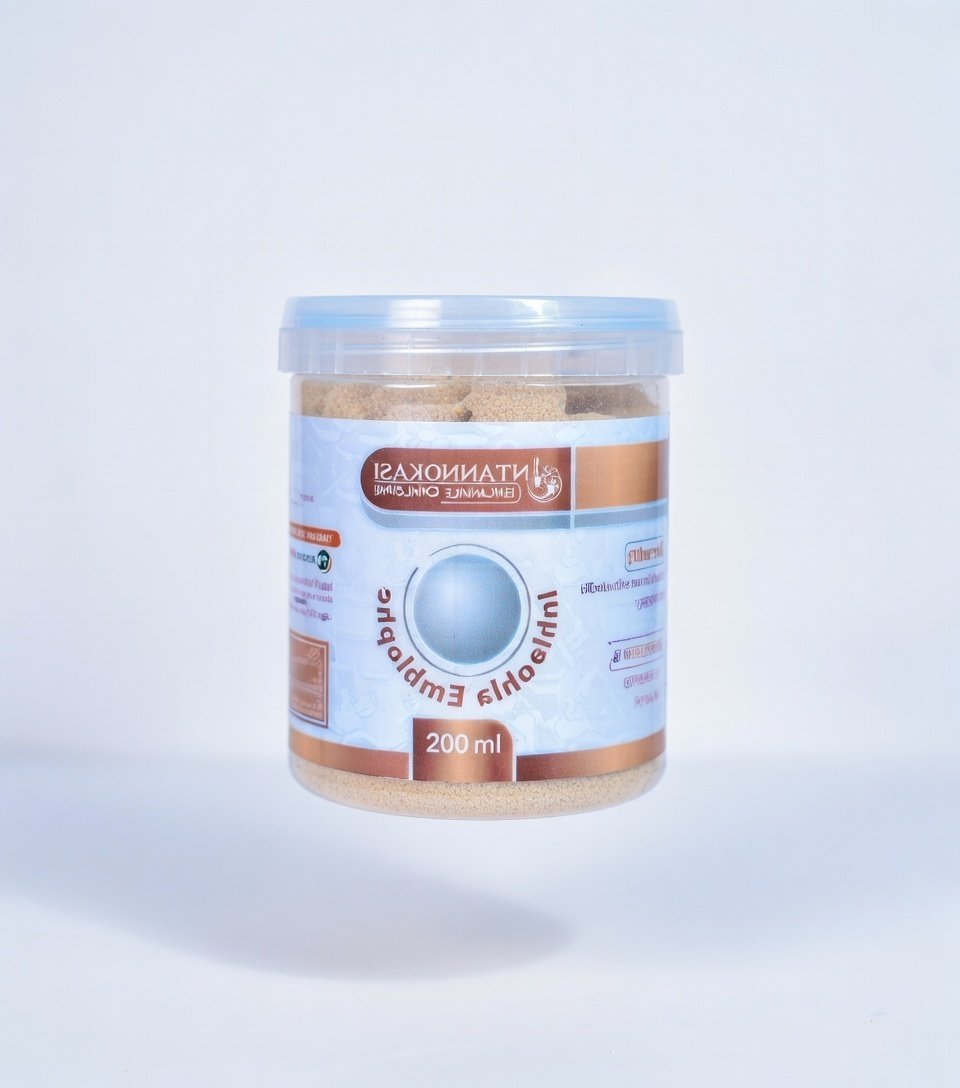
Image set
Traditional Healing
Inhlasohla Emplasmeni
R185200ml tub
30 in stock
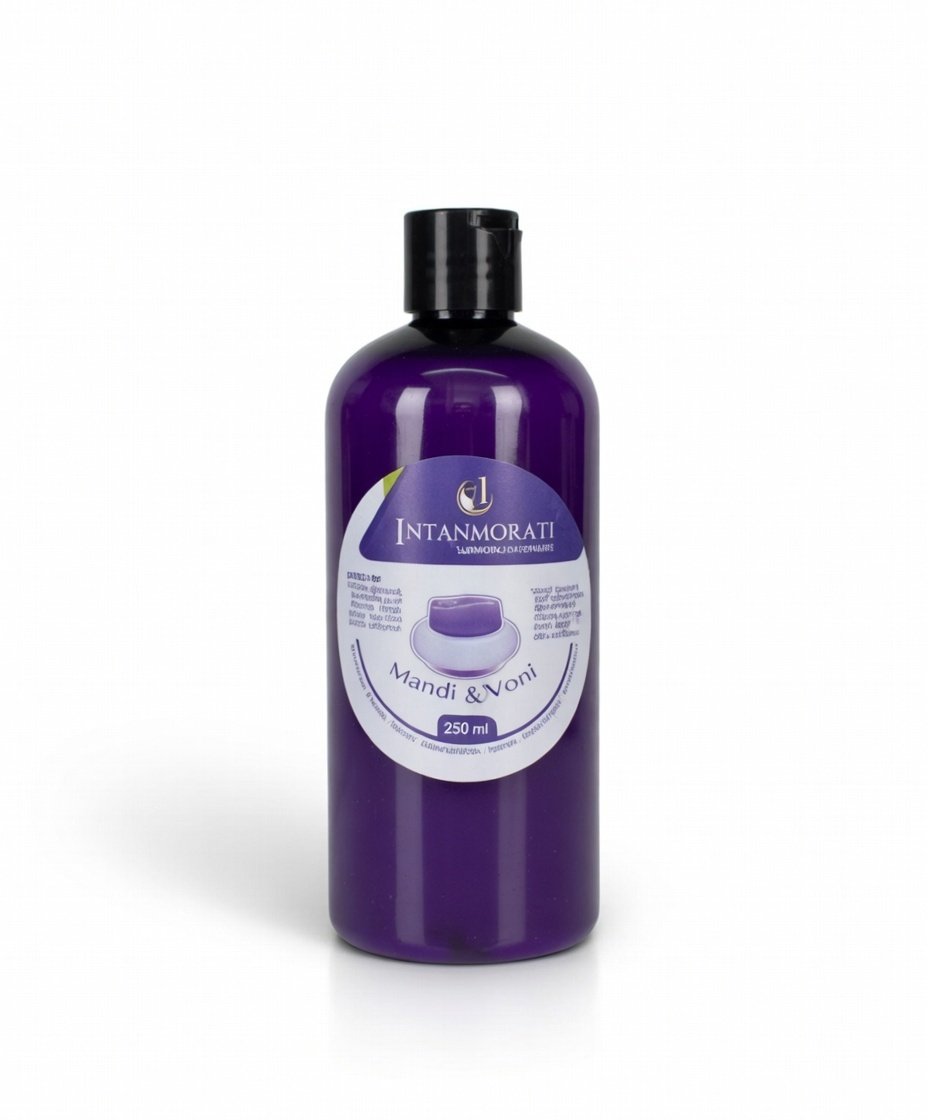
Image set
Skin & Body
Intanmorati Mandi & Voni
R165250ml bottle
48 in stock
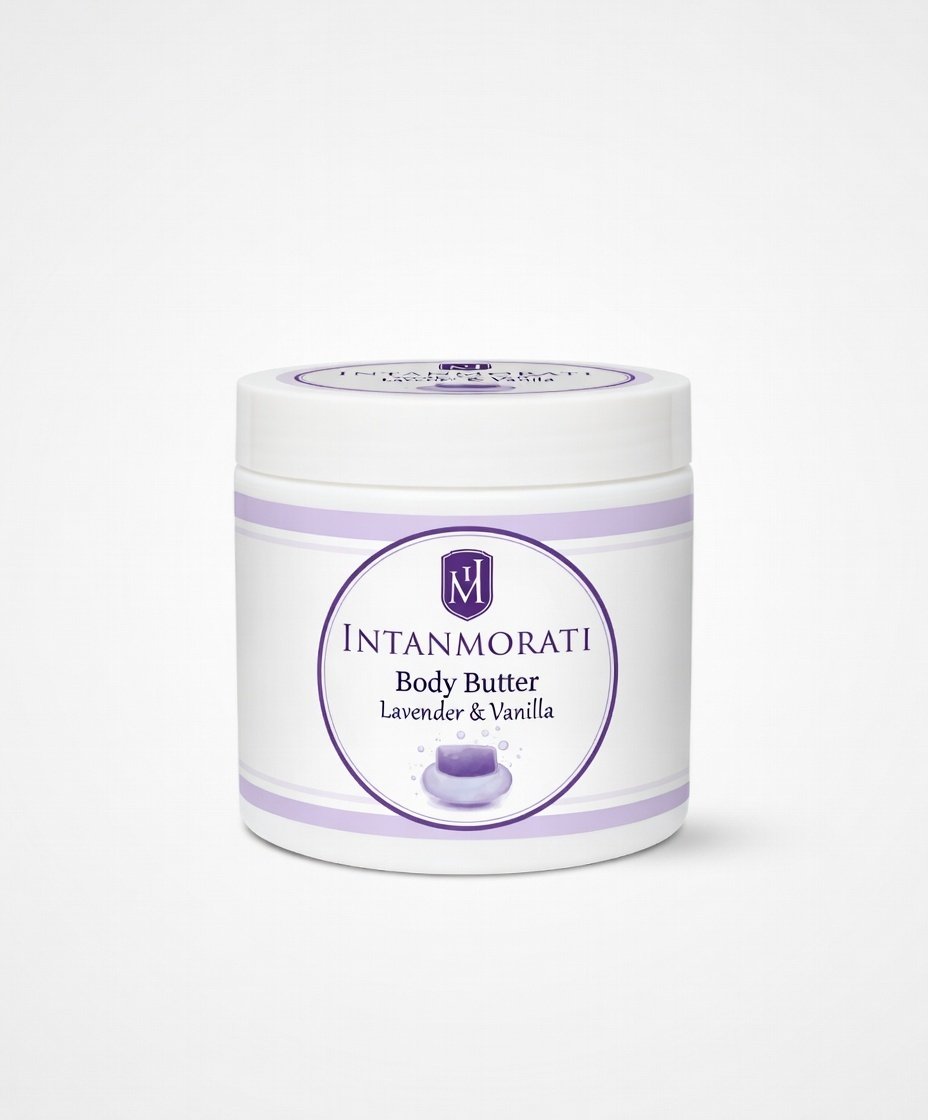
Image set
Skin & Body
Intanmorati Body Butter
R240250ml tub
25 in stock
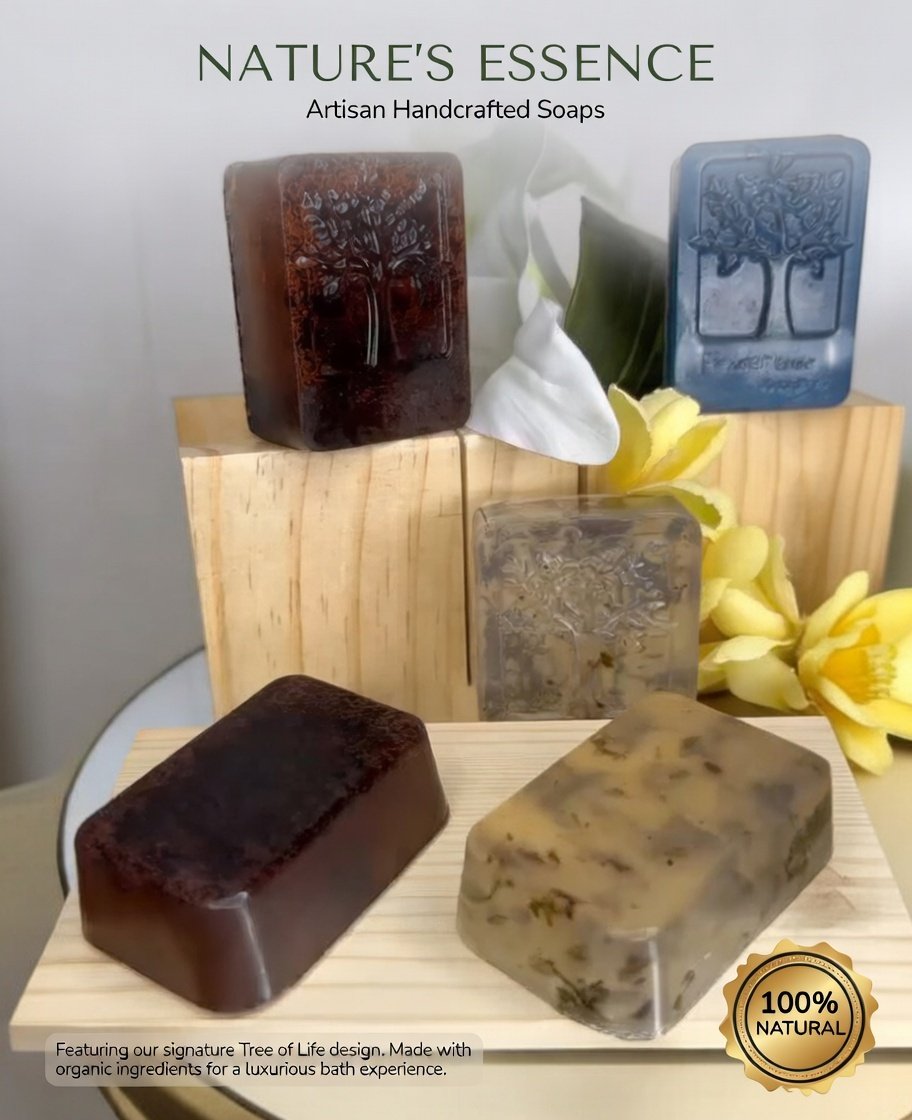
Image set
Skin & Body
Nature's Essence Artisan Soaps
R85per bar
80 in stock
How to add permanent product images
- 1Place your product image files in
public/images/products/— e.g.chest-rub.jpg - 2Open
src/lib/storeProducts.tsand add theimagefield to each product, e.g.image: "/images/products/chest-rub.jpg" - 3The product cards and modal will automatically display the image with glassmorphism styling.